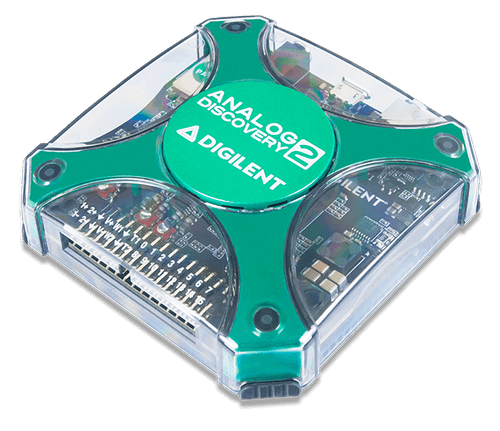
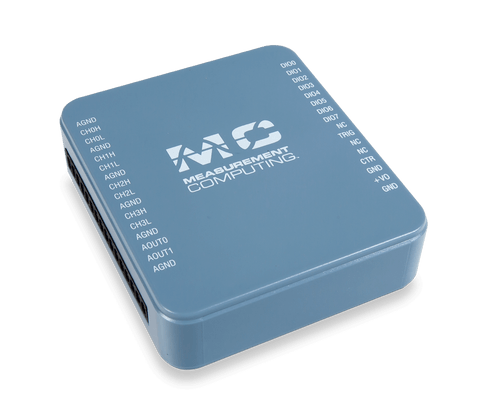
Product image of the MCC USB-231, displayed at an angle.
  • Product image of the MCC USB-231, displayed at an angle.
  • Top view product image of the MCC USB-231, displaying the Micro USB cable port.
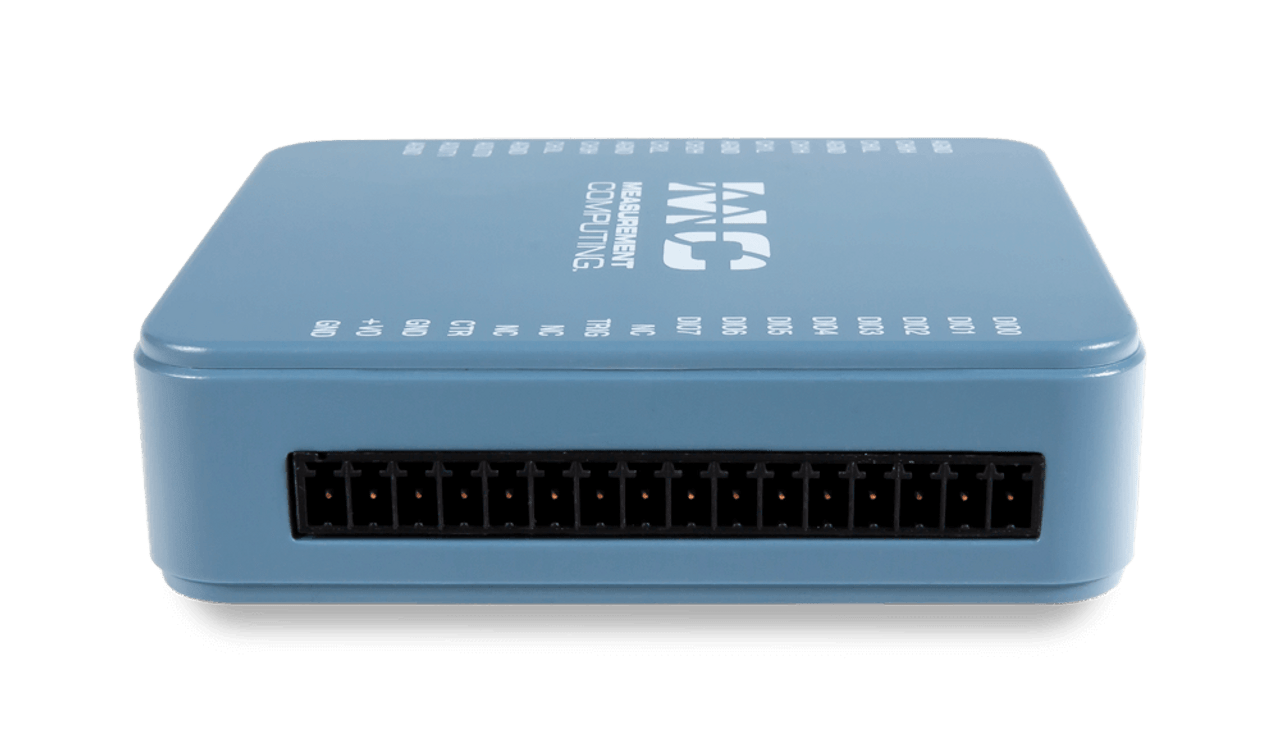
  • Right side product image of the MCC USB-231, displaying the screw terminal connector port.
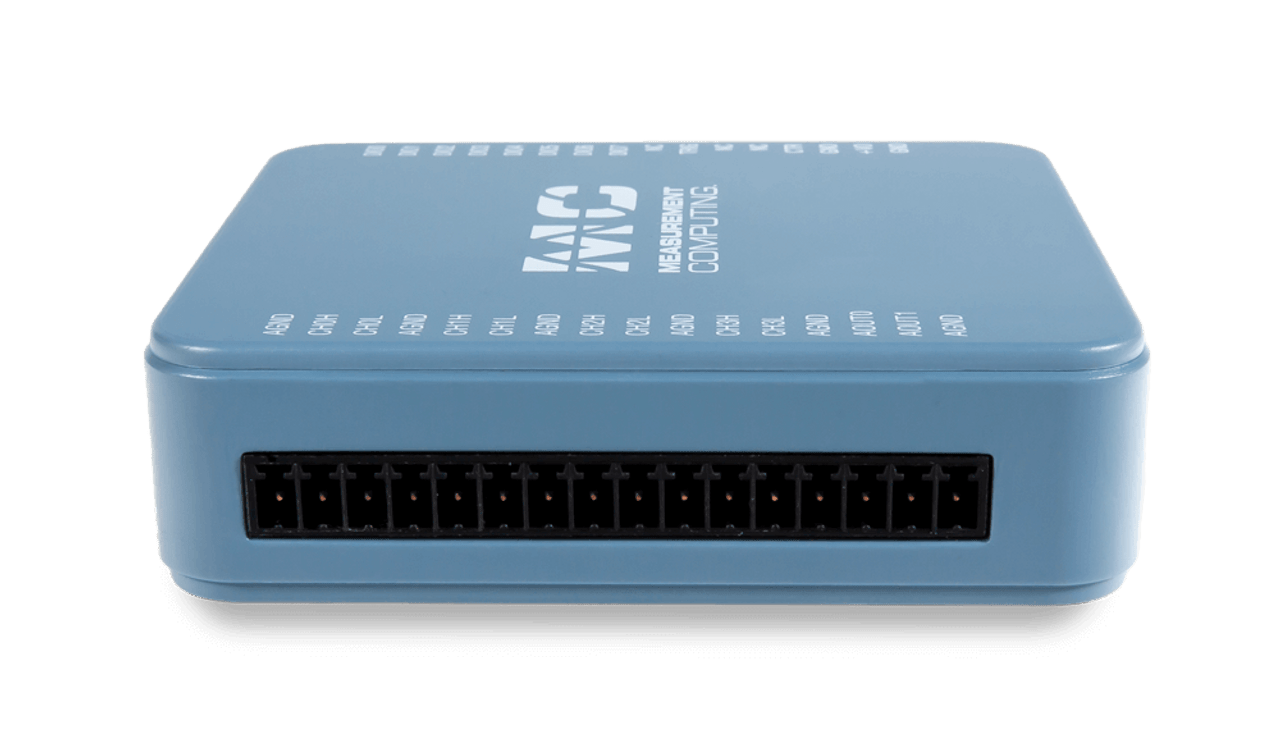
  • Left side product image of the MCC USB-231, displaying the screw terminal connector port.
  • MCC USB-231的产品图像,带有随附的USB电缆和螺丝端子连接器插头。

MCC USB-230 Series: Multifunction USB DAQ Devices

$275.00
(8个评论) Write a Review
SKU:
6069-410-012

Digilent现在是测量计算的骄傲分销商Corporation(MCC) DAQ and data logging products. MCC is a leading supplier of data acquisition solutions that are easy-to-use, easy-to-integrate, and easy-to-support.

USB-231和USB-234功能8 SE/4 DIFF模拟输入,16位分辨率,两个16位模拟输出,八个数字I/O和一个32位计数器。

USB-231features a 50 kS/s sample rate.

USB-234features a 100 kS/s sample rate.

Software support includes free DAQami software for out-of-the-box data logging, viewing of data, and generating signals. Also included are drivers for the most popular applications and programming languages including Visual C++®, Visual C#®, Visual Basic®。NET, DASYLab®, LabVIEW,Matlab®, and Python

  • 8 SE/4 DIFF模拟输入
  • 16-bit resolution
  • USB-231:50 ks/s样本率
  • USB-234: 100 kS/s sample rate
  • ±10 V input range
  • 两个16位模拟输出
  • 八个数字I/O
  • One counter input
  • No external power required
  • 产品合规:
    • HTC:8471.80.9000
    • ECCN:EAR99
  • USB-231 or USB-234
  • USB cable (micro-USB type B)
  • 印刷插入:Daqami快速启动
  • MCC包装组件/泡沫等

优先考虑使用易用性和灵活性,MCC为最受欢迎的编程语言和应用程序提供现成的软件以及驱动程序。

Out-of-the-box software includes DAQami for data logging, visualization, and signal generation. For a more full-featured and customizable experience, DASYLab® provides real-time analysis and control, plus the ability to create custom applications without programming.

达卡米anddasylab可以直接从MCC购买。

为了最大程度的自定义,可视觉C ++包括驱动程序®, Visual C#®, Visual Basic®。NET, LabVIEW,Matlab®, Linux®, and Python


开箱即用软件:daqami-可选的

数据采集​​伴侣软件用于获取数据和生成信号

DAQAMI是一个开箱即用的应用程序,用于数据记录,可视化和信号生成。可以在用户可配置的显示器上实时查看数据。DAQAMI是交互式测试,数据记录和开发应用程序的理想选择,可运行几分钟或几天。

下载并安装DAQAMI,然后尝试30天的功能功能软件。30天后,除数据记录和数据导出外,所有功能都将继续可用。可以通过购买软件来解锁数据记录和数据导出功能。

Supported Operating Systems: Windows®10/8/7/Vista®,32位或64位

English, Chinese, and German language support.

达卡米can purchased directly from MCC for$49

Learn More or Purchase DAQami达卡米Data Sheet


Custom Applications without Programming: DASYLab®-可选的

Icon-Based Data Acquisition, Graphics, Control, and Analysis Software

Dasylab是一个可选的软件包,可提供实时分析,控制以及在不编程的情况下创建自定义应用程序的能力。Dasylab非常适合需要比Daqami提供的功能更多的用户。

Supported Operating Systems: Windows®10/8/7.

Dasylab可以直接从MCC购买$499

Learn More or Purchase DASYLabdasylabData Sheet


Programming and Driver Support -Included

MCC编程和驱动程序支持广泛的一个d features comprehensive libraries and example programs for the most popular applications and programming languages including Visual C++®, Visual C#®, Visual Basic®。NET, LabVIEW,Matlab®, Linux®, and Python

Learn More About MCC Programming and Driver Support下载编程和驱动程序支持


要了解有关完整软件生态系统的更多信息,请访问MCC软件页面。

MCC Data Acquisition Software

快速找到入门所需的东西,并减少平均测量时间。

所有产品支持包括文档,按工程cts, and reference material can be accessed through MCC resources.

MCC知识库
Download MCC DAQ Software

Quick Links

Daqami软件快速启动
MCC USB-231产品手册
MCC USB-234 Product Manual
MCC USB-230 Series Data Sheet

8 ReviewsHide ReviewsShow Reviews

  • 5
    Excellent development tool

    Posted by Daniel on 24th Sep 2019

    我在我们的开发实验室中发现了该产品的许多应用程序。当我们购买它时,我期望与MATLAB扩展程序进行交互,但是我惊喜地发现它带有的数据采集软件非常直观且对我们的应用程序有用。强烈推荐。

  • 4
    Great Product for the Price

    getZome发表于2018年7月12日

    如果您遵循指示,易于设置。样本迅速。我还没有理由使用模拟输出。编程示例很高兴让我开始。我真的很喜欢您获得的价格。我遵循提供的示例,让我前进。当您需要高收集率时,获取所有数据的唯一方法是通过缓冲区收集的大数据转储。试图找出一种准确的时间戳传入数据的方法很棘手。在处理高数据速率时,这也是一个重要因素。我相信我已经找到了一种管理它的方法,但是它需要进行更多的测试。

  • 5
    Tom

    汤姆发表于2017年8月27日

    我需要一种简单,廉价的方法来替换脱衣表记录器。USB-231确实做到了我希望世界。免费的Tracerdaq软件非常适合我的应用程序。

  • 5
    到目前为止,这是市场上最好的...

    Posted by jkean11 on 27th Nov 2016

    很难匹配我们在项目上要做的事情,发现这很棒。它非常适合。

  • 4
    该产品的便利性令人难以置信!

    Posted by J-Reaux on 7th Dec 2015

    Right out the box it was easy for me to use. Our team had no prior experience, with DAS. It was almost just plug-in and go!

  • 4
    Easy to use, great value

    Posted by blknblk on 12th May 2015

    We used the analog output to control a VFD and noise from this line was transmitted into the computer and made measurements from a PCI data acquisition card very noisy. A USB isolator device was purchased and installed and eliminated the noise. We used an NI cDAQ USB device to control the VFD and we did not have noise issues. This leads me to believe the NI chassis has isolation features built in and the USB-231 does not. Outside of having to troubleshoot this noise issue, the USB-231 is a great easy to use product and is easy to implement into labview.

  • 5
    Low system noise

    Sean发表于2015年3月23日

    The 231 has the lowest system noise for any reasonably cheap USB DAQ unit that I could find. The setup process is kind of confusing and the computer doesn't always immediately recognize the device but it is easy to use once you know what to do.

  • 4
    不错的产品,但要注意局限性

    由KPT发表于2015年2月8日

    Pros: - Easy to set up - Performs as advertised - 16 bit resolution is a plus - Great telephone support Cons: - Fixed ADC range of +/- 10 VDC. Can't change. - If using DAC output as well, your ADC input speed is limited to 5k Samples/sec, tops.

Baidu